Profile
Under Profile, you can:- Email — Click Update, confirm your current password, and enter your new email address.
- Name — Click Update, enter your name, and confirm the change.
- Password — Select Update password and follow the prompts.
If you signed up using Google and haven’t added a password, you’ll see Add password instead. Add one before changing your account email.
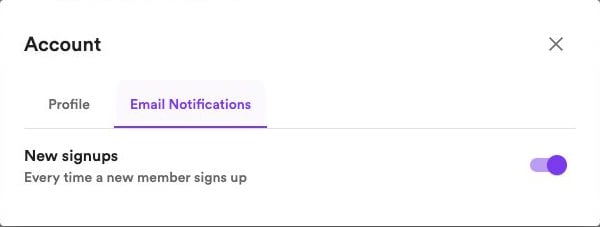
Email notifications
Open Email notifications and turn New signups on or off to control emails about new members joining your website. Changes save automatically. This controls notifications sent to you. Manage emails sent to your readers in Newsletter settings.